

Information and Communication Technology (ICT) deals with the use of different communication technologies such as mobile phones, telephone, Internet, etc. to locate, save, send, and edit information.

When we make a video call, we use the Internet. When we send a text or make a call, we use cellular networks. When we run out of load or battery, we use payphones which use a telephone network. Having a unified way to communicate is one of the goals of ICT.
In terms of economics, ICT has saved companies a lot of resources (time and money) with the kind of communication technology they use, nowadays. In a similar way, we spend less because of ICT. As it normally costs us a peso to send a text message or SMS, with the internet, we can send multiple messages and only be charged by a fraction.
ICT in the Philippines

Several international companies dub the Philippines as the “ICT Hub of Asia.” It is no secret there is a huge growth of ICT related jobs around the country, one of which is the call center or BPO (Business Process Outsourcing) centers.

According to the 2013 edition of Measuring the Information Society by the International Telecommunication Union, there are 106.8 cellphones per 100 Filipinos in the year 2012. That would mean that for every 100 Filipinos you meet, there is a high chance that they have a cellphone and approximately for the seven of them, they have two.
In a data gathered by the Annual Survey of Philippine Business and Industries, NSO, in 2010, the ICT industry shares 19.3% of the total employment population here in the Philippines.
To add the these statistics, Time Magazine’s “The Selfiest Cities around the World” of 2013 places two cities from the Philippines in the top 1 and top 10 spots. The study was conducted using Instagram, a popular photo sharing application.

With these numbers, there is no doubt that the Philippines is one of the countries that benefits most out of ICT.
Web 2.0: Dynamic Web Page

The internet has been a vital tool to our modern lives that is why it is also important to make the best of the internet.
When the World Wide Web was invented, most web pages were static. Static (also known as flat page or stationary page) in the sense that the page is “as is” and cannot be manipulated by the user. The content is also the same for all users. This is referred to as Web 1.0.
However, the World Wide Web is more than just static pages. Pretty soon, Web 2.0 came to the picture.

Web 2.0 is a term coined by Darcy DiNucci on January 1999. In her article titled, “Fragmented Future” she wrote:
The Web we know now, which loads into a browser window in essentially static screen fulls, is only an embryo of the Web to come. The first glimmerings of Web 2.0 are beginning to appear, and we are just starting to see how that embryo might develop.
Web 2.0 is the evolution of 1.0 by adding dynamic web pages- the user is able to see a website differently than others. Examples of Web 2.0 include social networking sites, blogs, wikis, video sharing sites, hosted services, and web applications. Web 2.0 allow users to interact with the page: Instead of just reading a page, the user may be able to comment or create a user account. Web also allows users to use web browsers instead of just using their operating system. Browsers can now be used for their users interface, application software (or web applications), and even for file storage. Most websites that we visit today are Web 2.0.
Features of Web 2.0
- Folksonomy– allows users to categorize and classify/ arrange information using freely chosen keywords(e.g).,tagging). Popular social networking sites such as Twitter, Instagram, Facebook, etc. use tags that start with the pound sign (#). This is also referred to as hashtag.
- Rich User Experience – content is dynamic and is responsible to user’s input. An example would be a website that shows local content. In the case of social networking sites, when logged on, your account is used to modify that you see in their website.
- User Participation – the owner of the website is the only one who is able to content. Other are able to place a content of their own by means of commends, reviews, and evaluation. Some website allow readers to comment on an article, participate in a poll, or review a specific product (e.g., Amazon.com, online stores).
- Long Tail – services that are offered on demand rather than on a one-time purchase. In certain cases time-based pricing is better than file size-based pricing or vice versa. This is synonymous to subscribing to a data plan that charges you for the amount of time you spent in the internet, or a data plan that charges you for the amount of bandwidth you used.
- Software as Service– users will subscribe to a software only when needed rather than purchasing them. This is a cheaper option if you do not always need to use software. For instance, Google Docs is a free web- based on application that allows the users to create and edit word processing and spread sheet documents online. When you need software, like a word processor, you can purchase it for a one time huge amount and install it in your computer and it is yours forever. Software as a service allows to “rent” a software for a minimal fee.
- Mass Participation- diverse information sharing through universal web access. Since most users can use the Internet, Web 2.0’s content is based on people from various cultures.
Web 3.0 and the Semantic Web

The Semantic Web is a movement led by the World Wide Web consortium (W3C): the W3C standard encourages web developers to include semantic content in their web pages. The term was coined by the inventor of the World Wide Web, Tim Berners-Lee lee also noted that the Semantic Web is a component for Web 3.0.
According to the W3C, “The Semantic Web provides a common framework that allows data to be shared and reused across application, enterprise, and community boundaries.” The aim of Web 3.0 is to have machines (or servers) understand the user’s preferences to be able to deliver web content specifically targeting the user. For example, when doing a web search in web 2.0 the topmost result is based on the preference of several users who already searched for the item. The search engine then labels it the most common answer to the search query. Though there are instances wherein several preferences are considered like geographic location, Web 3.0 aims to do better. This is through studying personal preferences of an individual user and showing results based on those preferences. The internet is able to predict the best possible answers to your question by “learning” from your pervious choices.
For example, if you search the internet for “Where is the best place to go shopping?” Web 3.0 will aim to give you result depending in how you have made choices in the past. If you have purchased several shoes online, the internet will give you results on the best place with highest rated around your vicinity.
Another example is when you search for the best restaurant to visit in a specific area. First, it may look for you previous visits from other restaurants and if you have rated them whether good or bad. In return Web 3.0 will search for restaurants that have a similar menu, good rating and budget that fit your preference in the past.
Web 3.0 is yet to be fully realized because of several problems:
- 1. Compatibility. HTMN files and current web browser could not support Web 3.0.
- 2. The user security is also in question since the machine is saving his or her preference.
- Vastness. The Word Wide Web already contains billions of web pages.
- Vagueness. Certain words are imprecise. The word “old” and “small” would depend on the user.
- Logic. Since machines use logic, there are certain limitations for a computer to be able to predict what the user is referring to at a given time.
Trends in ICT
As the world of ICT continues to grow, the industry has focused on several innovations. These innovations cater to the needs of the people that benefit most out of ICT. Whether it is for business or personal use, these trends are the current front runners in the innovation of ICT.
- 1. Convergence
Technological convergence is the synergy of the technological advancements to work on a similar goal or task. For example, beside using your personal computer to create word document, you can now use your smartphone. It can also use cloud technologies to sync files from one device to another while also using LTE technology which mean you can access your files anytime, anywhere. Convergence is using several technologies to accomplish a task conveniently.
- Social Media
Social Media is a website, application, or online channel that enable web users to create, co-create, discuss, modify and exchanged user-generated content. According to Nielsen, a global information and measurement company, Internet users spend more time in social media sites than in any other type of site. With this, more and more advertisers use social media to promote their product.
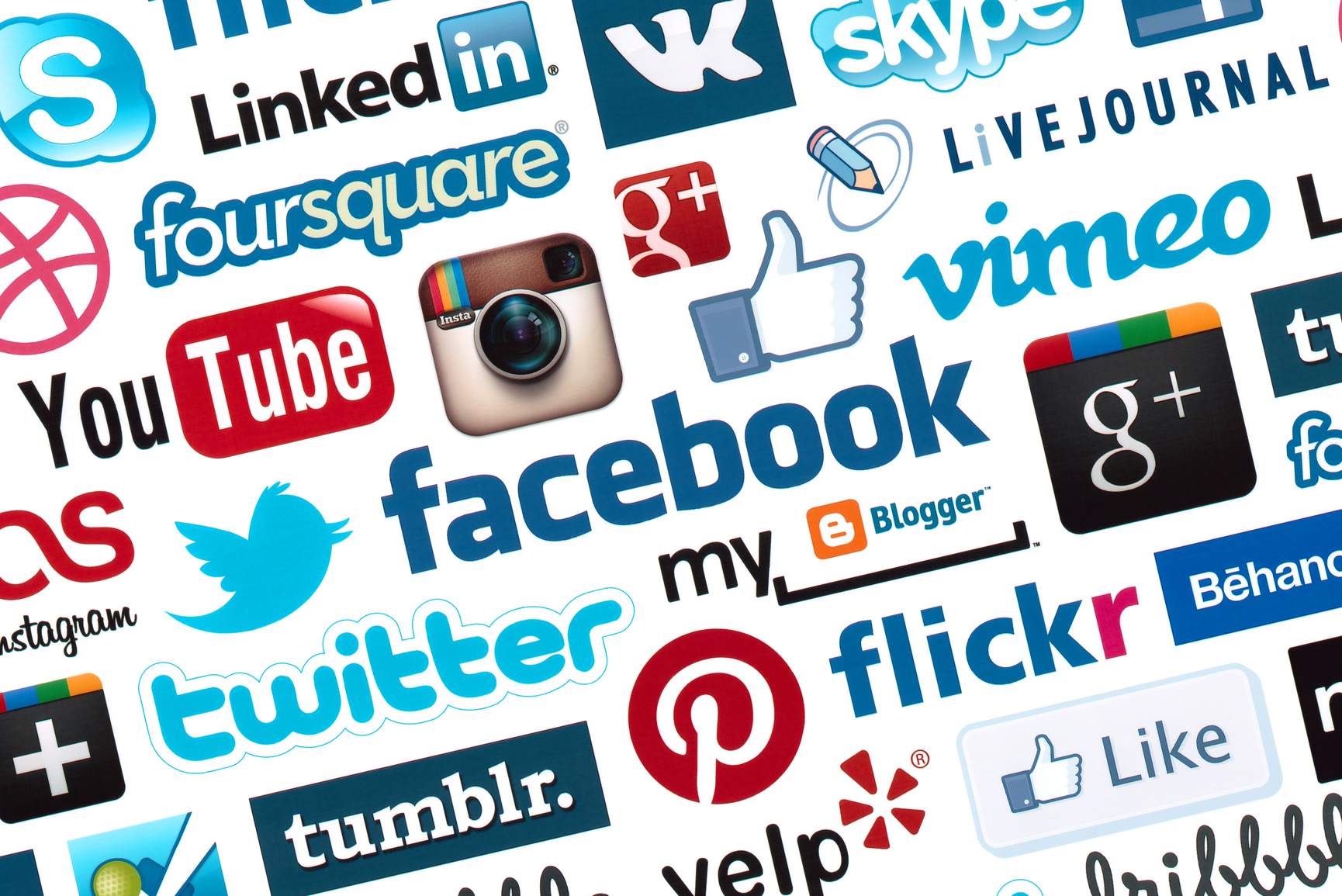
There are six types of social media:
- Social Networks- These are sites that allow you to connect with other people with the same interest or background. Once a user creates his or her account, he or she can set up a profile, add people, create groups, and share content.
Examples: Facebook and Google+
- Bookmarking Sites- These are sites that allow you to store and manage links to various websites and resources. Most of these sites allow to create a tag that allows you to easily search or share them .
Examples: StumbleUpon and Pinterest
- Social News- These are sites that allow the user to post their own news items or links to other news resources. The users can also comment on the post and comments may also be ranked. They are also capable of voting on these news articles of the website. Those who get the most amount of votes are shown most prominently.
Examples: reddit and Digg
- Media sharing- These are sites that allow you to upload and share media content like images, music, and video. Most of these sites have additional social features like liking, commenting and having user profile.
Examples: Flicker, YouTube, and Instagram
- Microblogging- These are sites that focus on short updates from the user. Those subscribe to the user will be able to receive these updates.
Examples: Twitter, and Plurk
- Blogs and Forums- These websites allow users to post their content. Other users are able to comment on the said topic. These are several free blogging platforms like Blogger, WordPress, and Tumblr. On the other hand, forums are typically part of a certain website or web services.

Mobile Technologies
The popularity of smartphones and tablets has taken a major rise over the years. This is largely because of the devices capability to do task that were originally found in personal computers. Several of these devices are capable of using high speed internet. Today, the latest mobile devices use 4G Networking (LTE), which is currently the fastest mobile network. Also, mobile devices use differently operating systems:
- IOS- used in Apple devices such as the iPhone and iPad
- Android- an open source operating system developed by Google. Being open source means several mobile phone companies use this OS for free.
- Blackberry OS- used in blackberry devices
- Windows Phone OS- a close source and proprietary operating system developed by Microsoft
- Symbian- the original Smartphone OS; used by Nokia devices
- WebOS- originally used for Smartphones; now used for smart TVs
- Windows mobile- developed by Microsoft for Smartphones and pocket PCs
Assistive Media
Assistive media is a nonprofit service designed to help people who have visual and reading impairments. A database of audio recordings is used to read to the user.

 G11 HUMSS' Virtual World